
Ciphermail Webmail Messenger
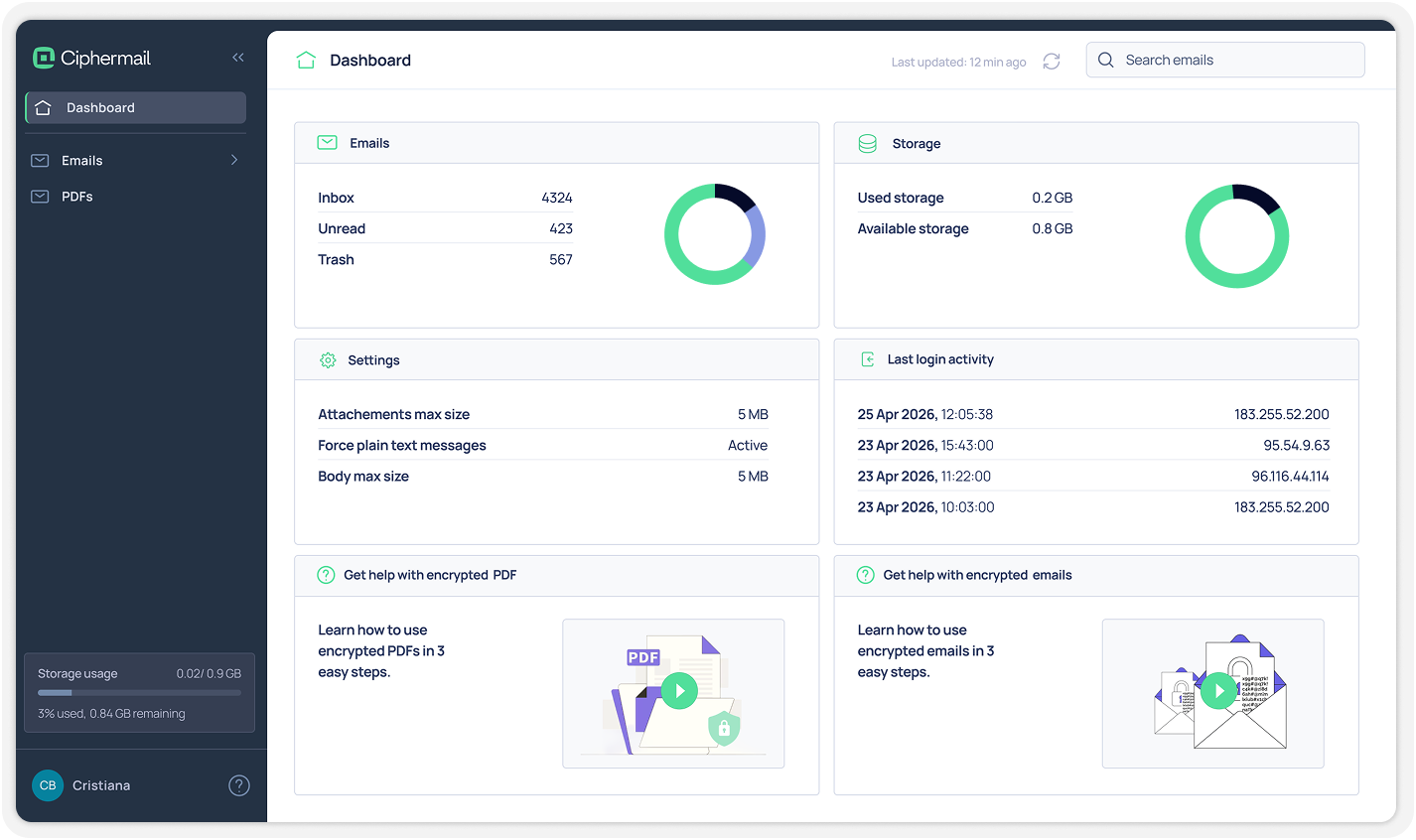

Securely receive and reply to encrypted emails in a web browser
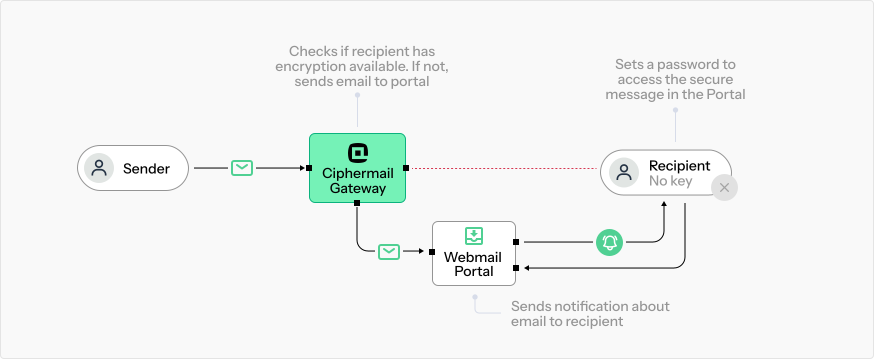
When the CipherMail Email Encryption Gateway determines that an outgoing message must be encrypted but S/MIME, PGP, or encrypted PDF cannot be used, the message is delivered to Webmail Messenger. The recipient will receive a notification email when a new secure message is available.
Built for your existing workflows and compliance needs

Easy to use

Supports all browsers and mobile devices

Automatically managed

Support for multiple languages

Read confirmation

Two-factor authentication
Frequently asked questions

When is a message delivered to Webmail Messenger?
The CipherMail Email Encryption Gateway always tries S/MIME, PGP and encrypted PDF first. When a message must be encrypted but none of these can be used for the recipient, it is delivered to Webmail Messenger instead, so it still reaches them securely.
How does a recipient read their first secure message?
The recipient gets a notification email when a new secure message is waiting. The first time, they are asked to create a strong password. After that they sign in to read and reply to messages, and they can protect their account with two-factor authentication.
Do recipients need to install any software?
No. A standard web browser is all they need. Webmail Messenger works in modern browsers such as Chrome and Firefox, and on iPhone, iPad and Android phones and tablets. The interface picks the recipient's language automatically, and they can change it in the settings.